
See it with your own questions
See how Crystal ERP would work in your business.
A guided, 30-minute walkthrough on a real system, by screen-share or at our Nairobi office.
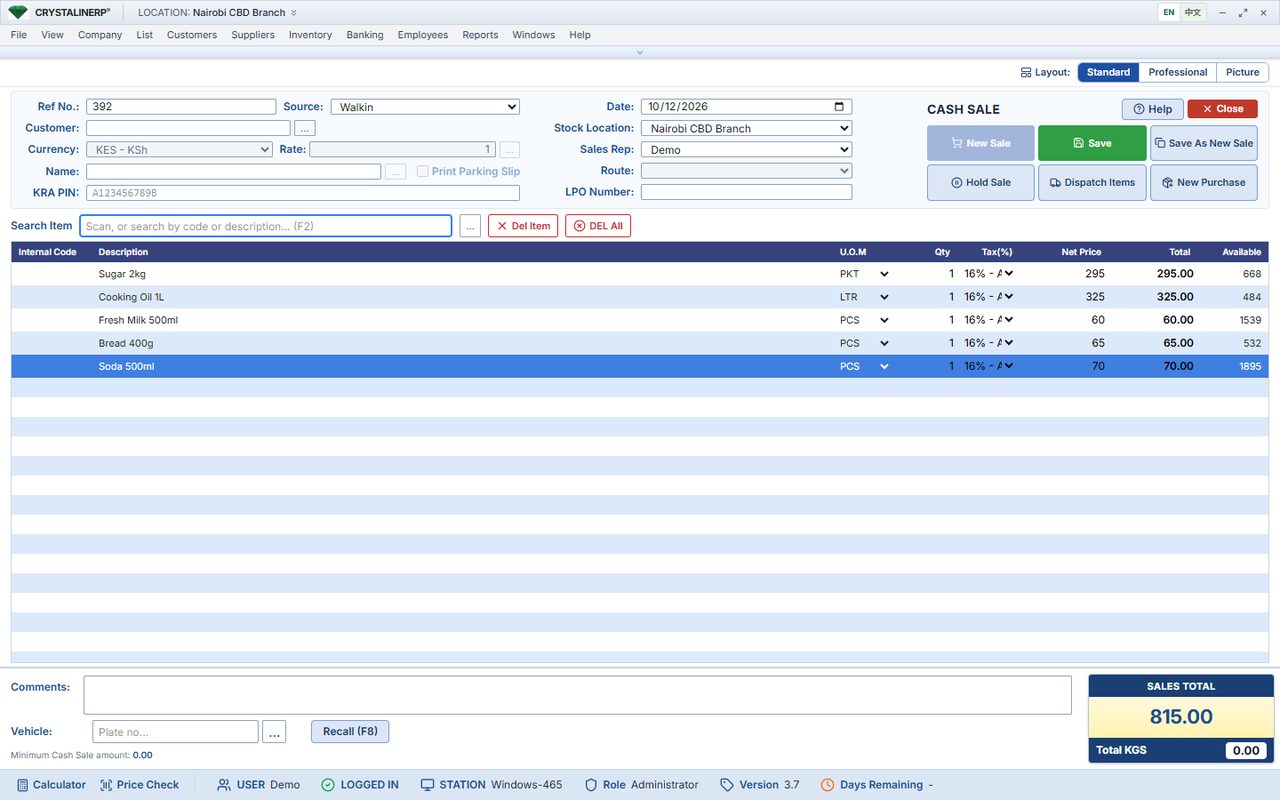
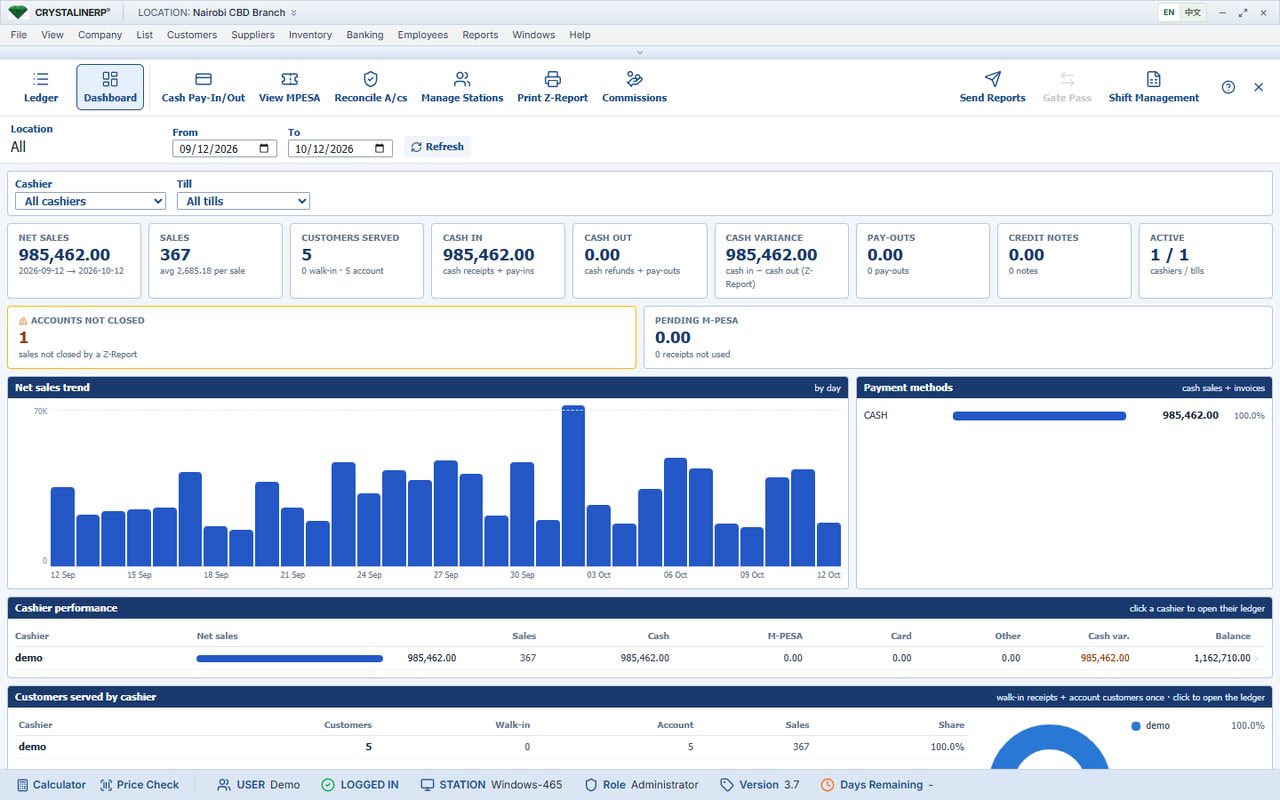
- Make a sale and check the cashier's takings.
- Receive stock and see what each branch holds.
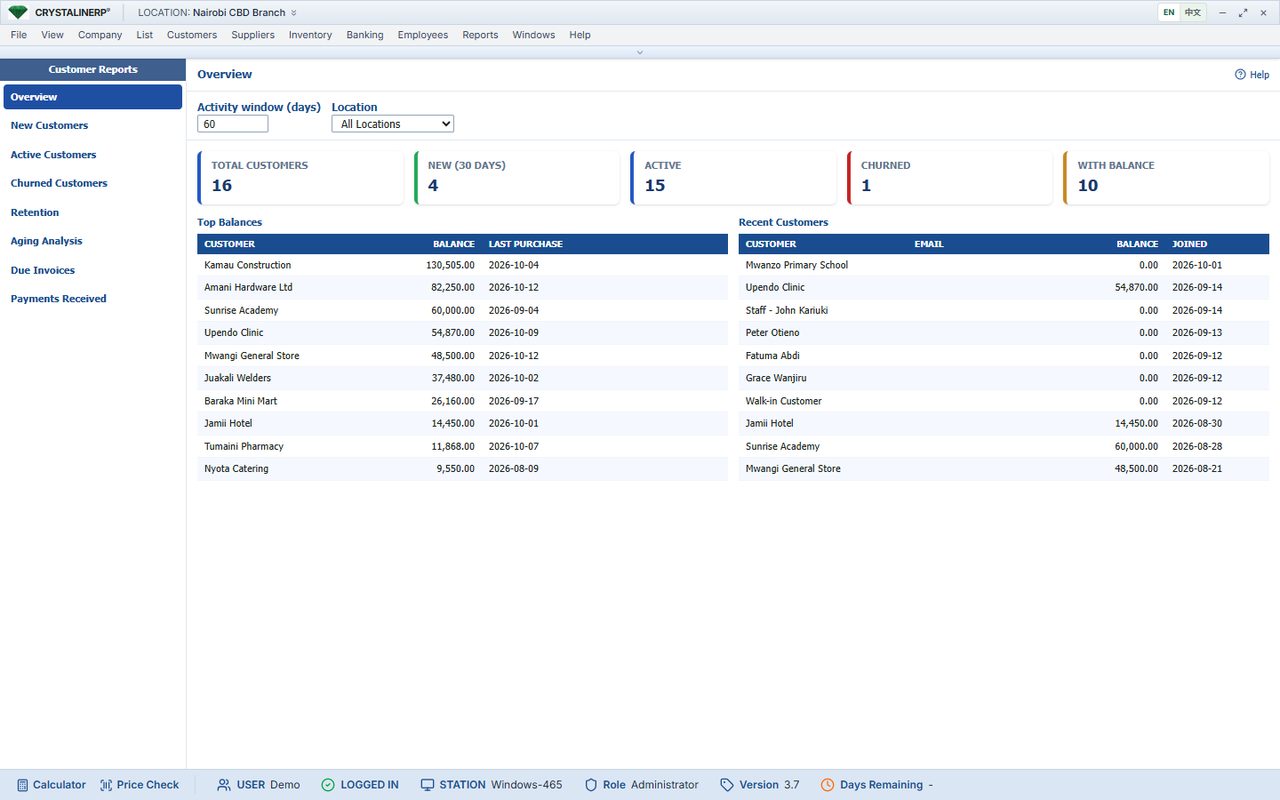
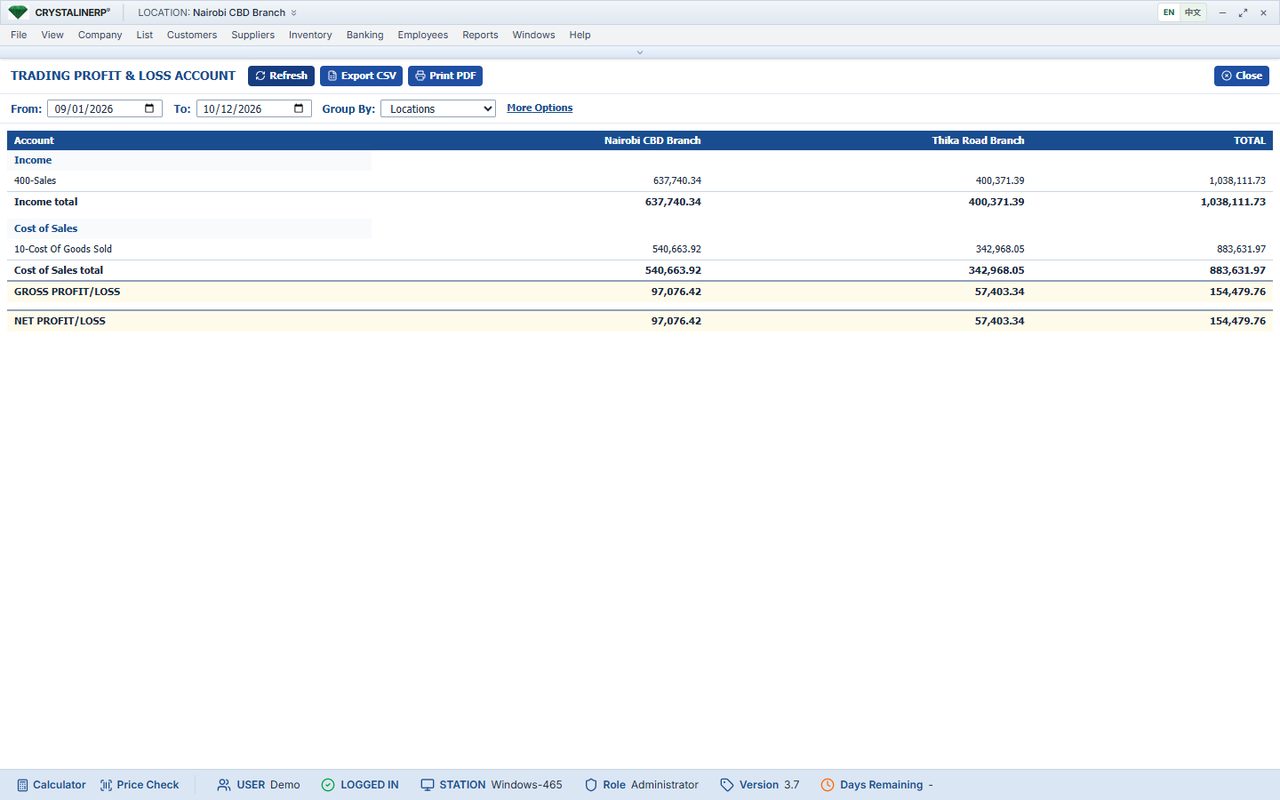
- Review debtors, sales and branch profit.
Bring questions about your products, staff and daily reports. A self-service demo account is not available yet.
Choose your next step
Request your demo.
We will contact you to agree a suitable time. Monday to Saturday, during Kenyan business hours.
Real screens
What you will be looking at
All screenshots on this site are from the same demonstration company. Nothing is a mock-up.
On a phone
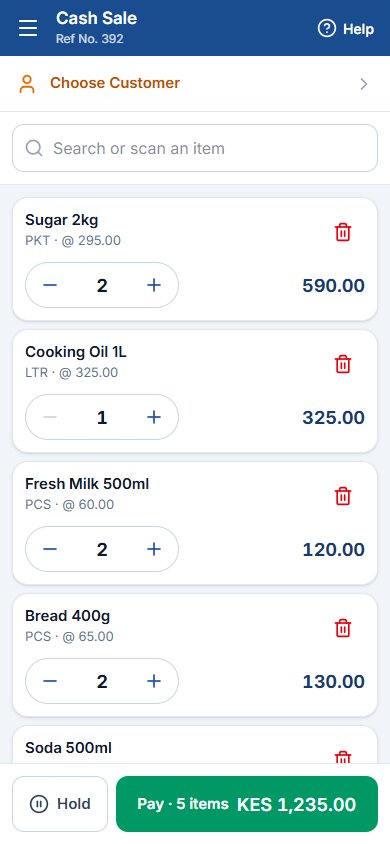
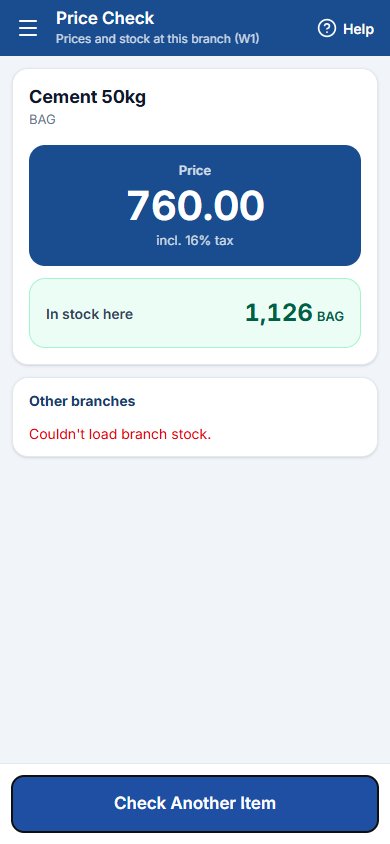
The Android app and the phone screens of the web app are built for a hand, not a squeezed desktop: a cash sale and a price check with large targets, receipts to a mobile printer.
See your business in the demo.
Walk through sales, stock, debtors and branch reports with our team. About 30 minutes, with your questions answered as we go.