
From checkout to closing cash
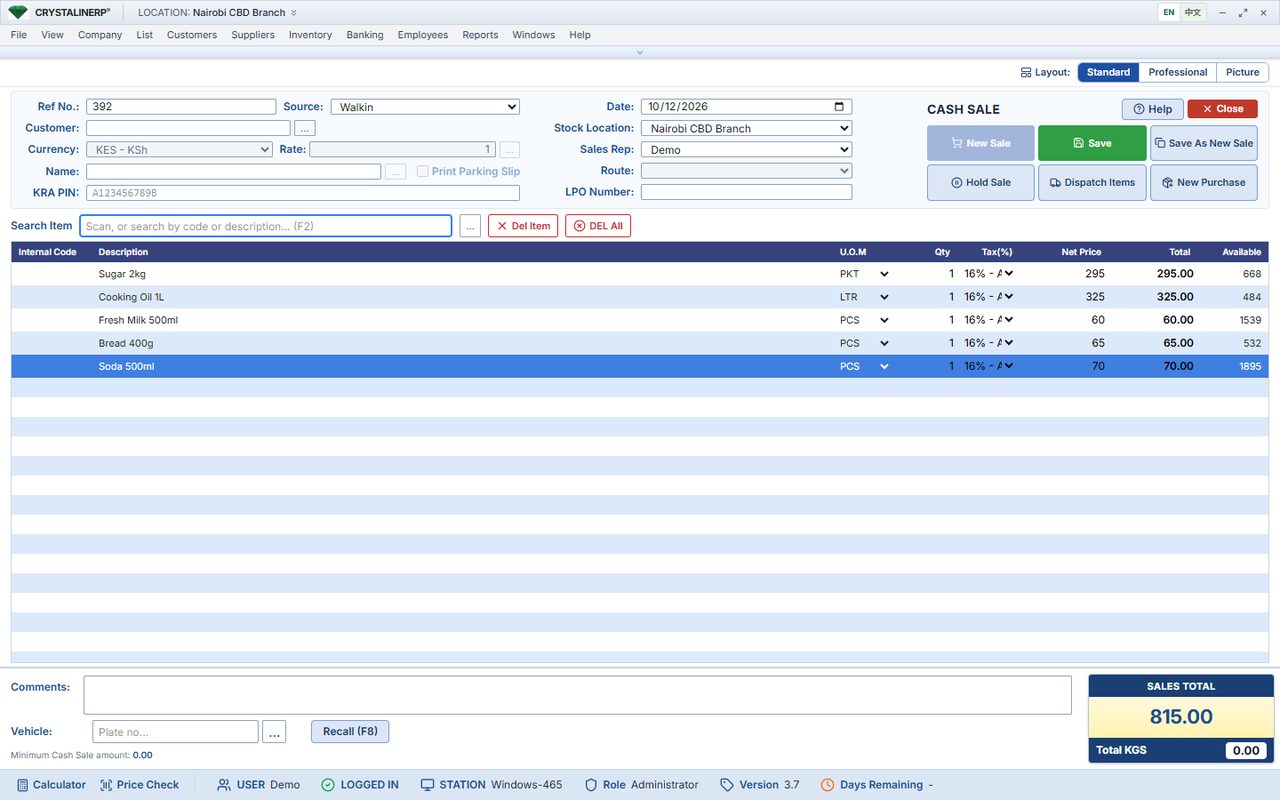
A useful POS must support the cashier and the owner. Demonstrate item selection, quantities, payment methods, receipt printing and authorised corrections. Then compare cashier totals with actual cash and mobile-money receipts at closing.
Test your counter before buying
- Scan items from your own range and confirm the barcode maps to the correct unit and price.
- Run a cash sale, a credit sale and a return with the team.
- Check printer, scanner, cash drawer and network compatibility.
- Ask how stock and sales are reconciled if a connection or device fails.
Understand the complete price
The Client-Server Edition starts at KES 50,000 for initial setup. Additional client machines, integrations and hardware are separate. The annual licence is 20% of installed software value from year two. A browser till connects differently from a desktop client: confirm your exact layout before ordering.
Questions before you decide
Does the POS include M-Pesa and eTIMS?
These are configured add-ons with separate charges. Agree the required payment and invoicing workflow in your quotation.
Can I see the till before paying?
Book a guided demo and request the cashier workflow most relevant to your business.