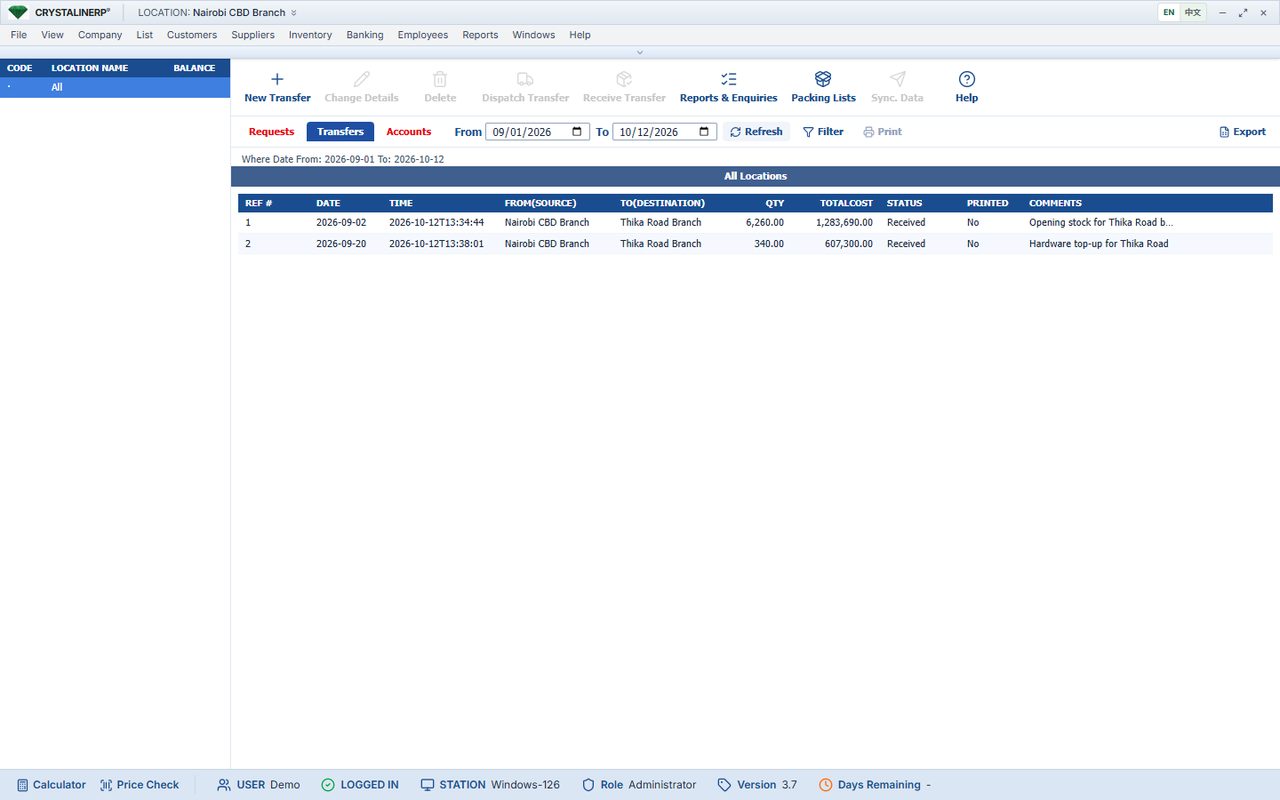
What this screen shows
The stock transfer screen records a movement between stock locations for review.
Reproduce the workflow in a demo
- Select the sending and receiving locations.
- Enter representative items and quantities.
- Trace the effect in the stock balances and review the reference.
What to verify beyond the screenshot
The screenshot alone does not prove an in-transit or approval workflow. Ask the team to demonstrate partial receipts, discrepancies and role permissions.
Record your acceptance decision
Use your own business example and retain the expected result, actual result and any open issue. Ask the team to confirm configuration work in the quotation. No saving, growth or implementation outcome is claimed by this walkthrough.