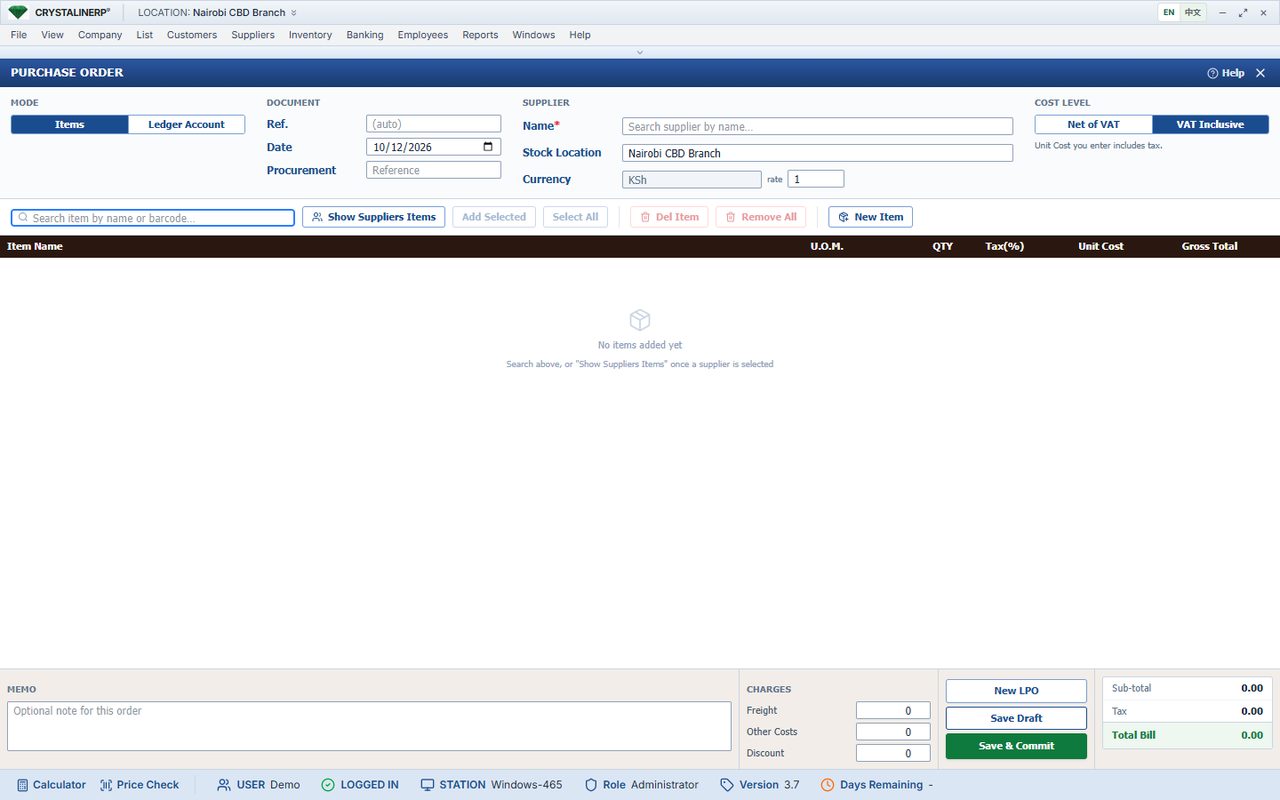
What this screen shows
The purchase order screen provides a record of what the business intends to buy from a supplier.
Reproduce the workflow in a demo
- Create an order for a representative supplier.
- Confirm item units, quantities and prices.
- Ask to follow the order into receipt and supplier invoice review.
What to verify beyond the screenshot
A purchase-order image does not prove a complete approval or three-way-match configuration. Demonstrate the related documents and agree the required controls.
Record your acceptance decision
Use your own business example and retain the expected result, actual result and any open issue. Ask the team to confirm configuration work in the quotation. No saving, growth or implementation outcome is claimed by this walkthrough.